
How to Monitor a Child’s Phone Activity (5 Effective Methods)
Smartphones are a big part of modern childhood. Kids use them for communication, entertainment, schoolwork, and social media. While phones provide many benefits, they also expose children to potential online risks.
For this reason, many parents want to monitor their child’s phone activity to ensure they stay safe online and develop healthy digital habits.
In this guide, we’ll explore five effective methods parents use to monitor a child’s phone activity, from built-in controls to dedicated monitoring tools.
Why Parents Monitor Their Child’s Phone Activity
Monitoring a child’s phone is not about invading privacy. Instead, it helps parents:
Protect children from online predators
Detect cyberbullying early
Monitor screen time and app usage
Ensure safe social media interactions
Guide responsible digital behavior
With the right tools and communication, monitoring can become a positive part of digital parenting.
1. Use Parental Monitoring Apps
One of the most effective ways to monitor a child’s phone activity is through parental monitoring apps. These tools provide parents with visibility into how a phone is being used.
Many monitoring apps allow parents to see:
Contacts saved on the device
Message activity and chat interactions
Shared photos and videos
Social media usage patterns
App activity and screen time
Some apps also provide alerts when unusual activity is detected, helping parents identify potential risks early.
These tools are designed to give parents clear insights into phone activity while maintaining an easy-to-use dashboard.
2. Check Screen Time and App Usage Reports
Both Android and iPhone devices include built-in screen time tools that allow parents to track phone usage.
These reports typically show:
Time spent on each app
Total daily screen time
Device pickups
Notification activity
By reviewing these reports regularly, parents can understand how often their child uses certain apps, including social media platforms.
Screen time tools also allow parents to set daily usage limits.
3. Review Contacts and Communication Patterns
Another helpful way to monitor phone activity is by reviewing the contact list and communication patterns.
Parents can check:
Newly added contacts
Frequent communication partners
Unknown phone numbers
Messaging trends over time
Understanding who a child communicates with most often can help parents identify unfamiliar or suspicious contacts early.
4. Monitor Social Media Activity
Social media platforms like Instagram, Snapchat, and TikTok are some of the most commonly used apps among children and teens.
Monitoring social media activity can provide insights into:
Who your child interacts with
Types of content they share
Frequency of messaging
Media exchanged through chats
Many parental monitoring apps provide social media activity insights, allowing parents to stay informed about their child’s digital interactions.
5. Set Screen Time Limits and App Restrictions
Another effective method is setting limits on how and when phones can be used.
Parents can:
Restrict phone usage during school hours
Limit late-night screen time
Block certain apps during study time
Schedule daily device downtime
These restrictions help create healthy digital habits and reduce excessive screen time.
Best Practices for Monitoring a Child’s Phone
Monitoring works best when combined with open communication. Experts recommend that parents:
Talk openly about monitoring
Explain why you want to monitor phone activity and focus on safety.
Set digital rules together
Agree on screen time limits and acceptable online behavior.
Review activity periodically
Instead of constant checking, review activity reports weekly.
Encourage responsible phone use
Teach children how to recognize online risks.
Final Thoughts
Learning how to monitor a child’s phone activity can help parents stay informed and protect their children from online risks. By combining monitoring tools, screen time controls, and open communication, parents can guide their children toward safe and responsible smartphone use.
The most effective approach is not strict surveillance, but balanced digital parenting that builds trust and awareness.
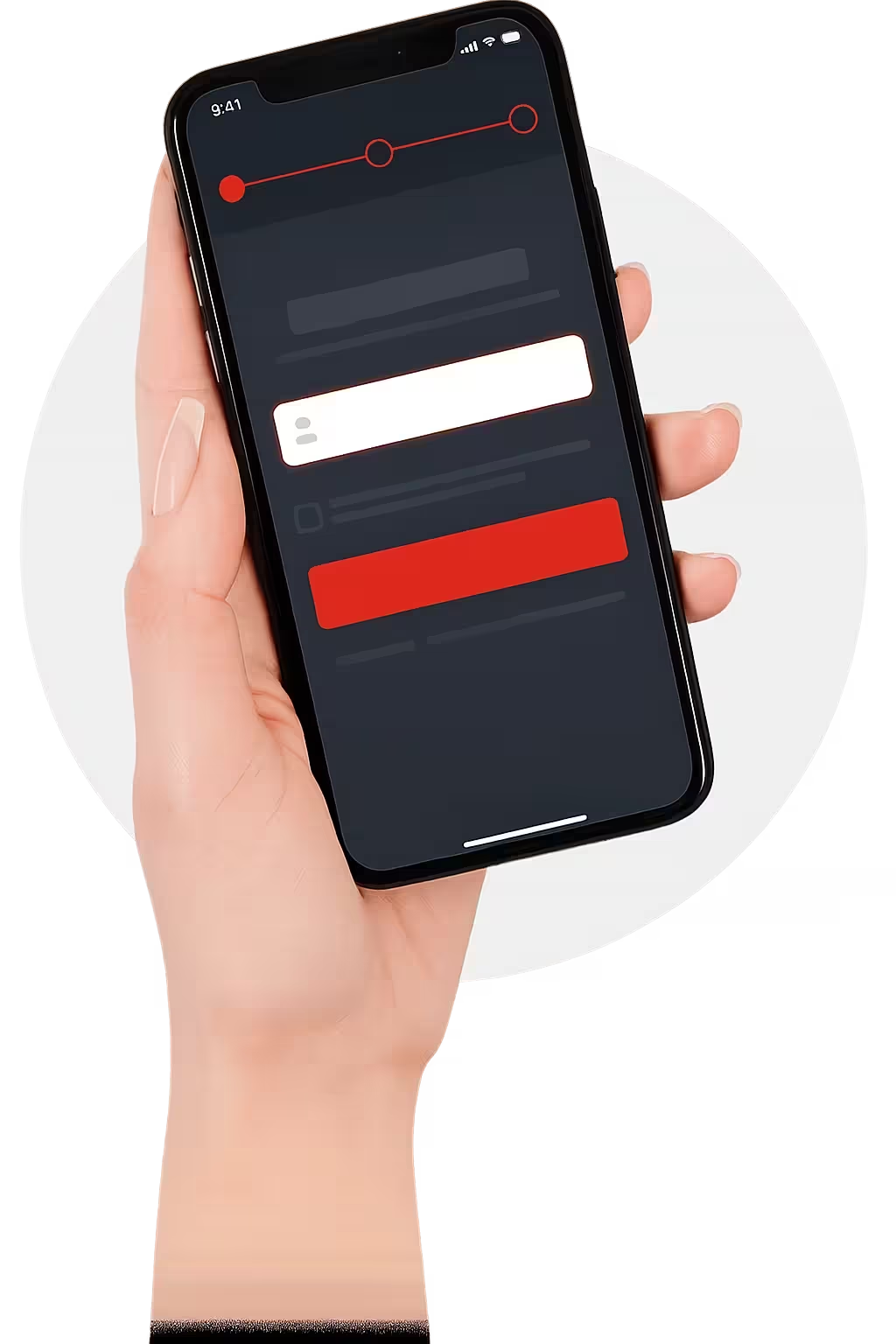
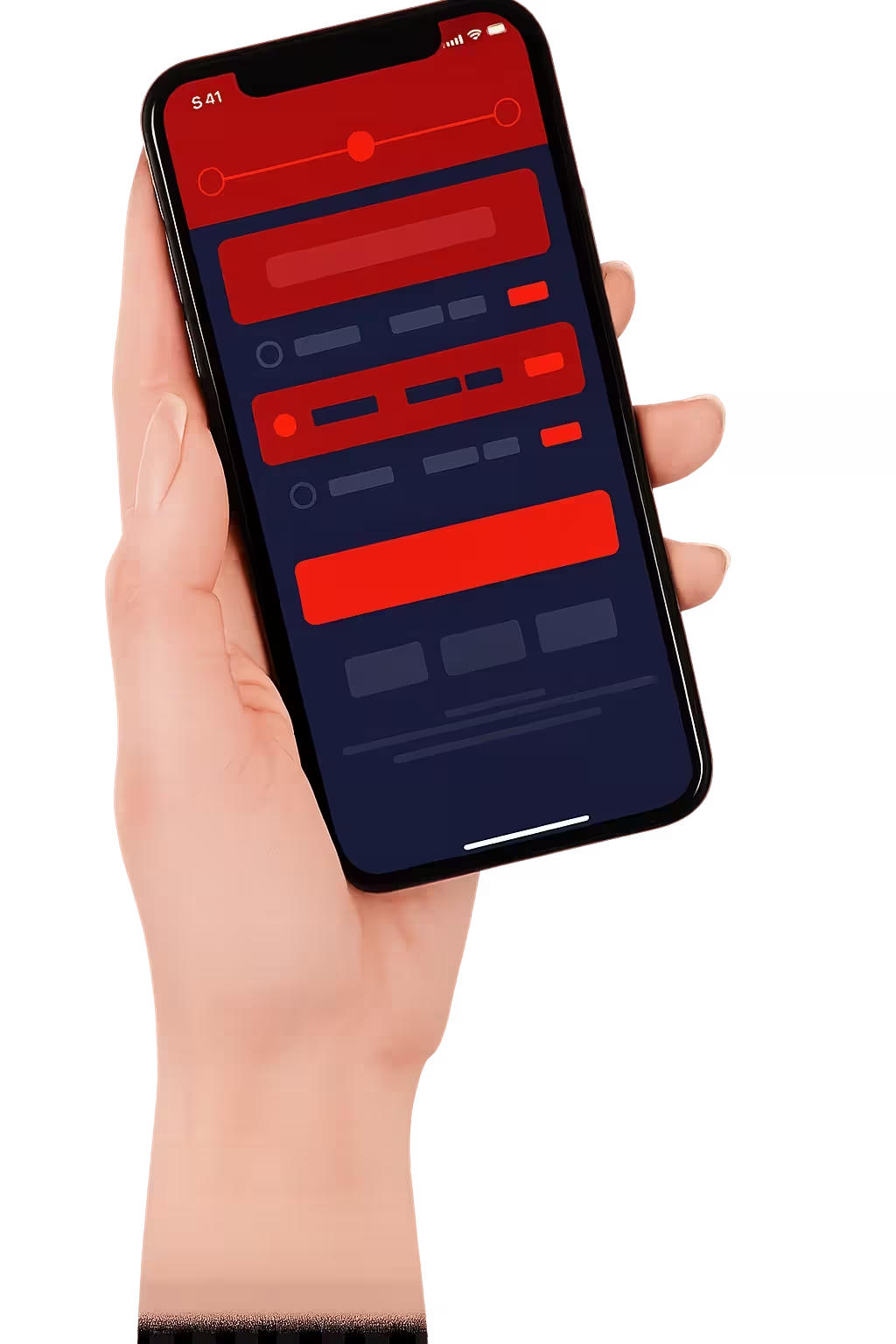
Get Started in 3 Easy Steps
Remote Setup and 100% Undetectable
Choose a Plan & Get Connected
Contact us and select a payment plan, we will configure the Spy366 PRO.
Remote Setup & Dashboard Access
After configured remotely . A link will be sent to you to login to your dashboard. It takes a few minutes.
Start Monitoring from Anywhere
Log in to the control panel on any web browser or phone after Spy366 PRO is up and running to begin monitoring remotely.